Try Orbit on your Android
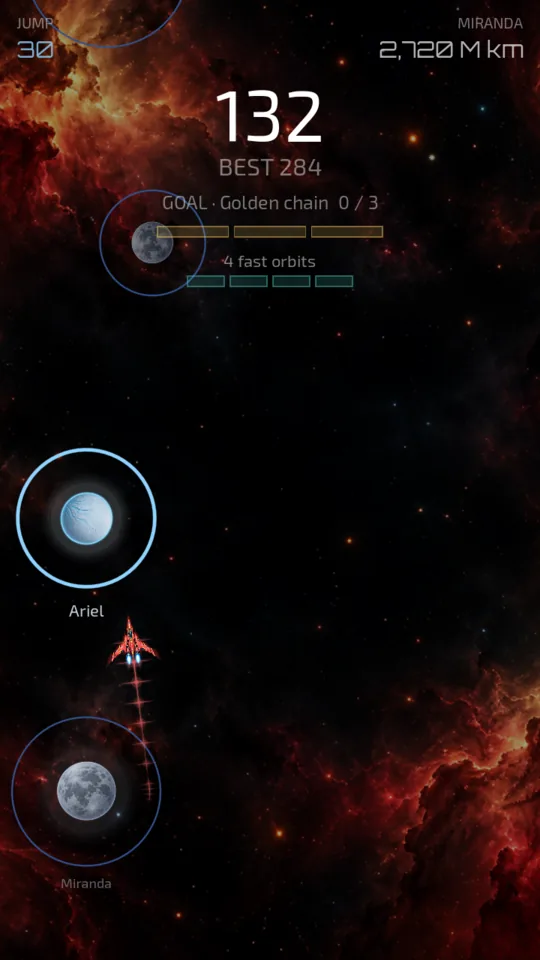
Orbit is a one-tap space game: you orbit a planet, tap, and jump to the next one, from Earth to Sagittarius A*.
- Free. The current version has no ads, no purchases and collects no data.
- Android only.
- Public launch on Google Play: end of October.
It takes two steps. Joining the group does not install the game yet. Both steps with the same Google account you use on the Play Store.
-
1. Join the tester group.
Tap “Join group”. If it asks you to sign in, use your phone’s Google account.
Step 1: join the groupIn the group already? You don’t have the game yet. Come back to this page and do step 2.
-
2. Sign up for the test and download Orbit.
Tap “Become a tester” and then “Download it on Google Play”.
Step 2: download OrbitWhen you see “You’re a tester”, tap “Download it on Google Play” and install it like any app. If Orbit isn’t on your phone, this step is the one missing.
Seeing “Item not found” or “not available”?
Be patient with step 2: after you sign up, Google Play can take a while to let you download it, sometimes more than an hour. If you see “Item not found”, that’s normal: wait and open the link again with the same account. Once the page says “You are a tester”, it lets you install it shortly after.
Keep it installed for at least 14 days: that’s what Google asks before it can be released to everyone. You don’t need to play every day, but opening it now and then helps.
If something breaks or doesn’t make sense, the game’s Settings have a button to send feedback, or write to me at [email protected].